
Regional integration · Kenya
M-Pesa at the till: the payment, and the confirmation.
Bring the payment request and its status into the checkout workflow. Keep a customer’s intent to pay distinct from the provider’s confirmation.
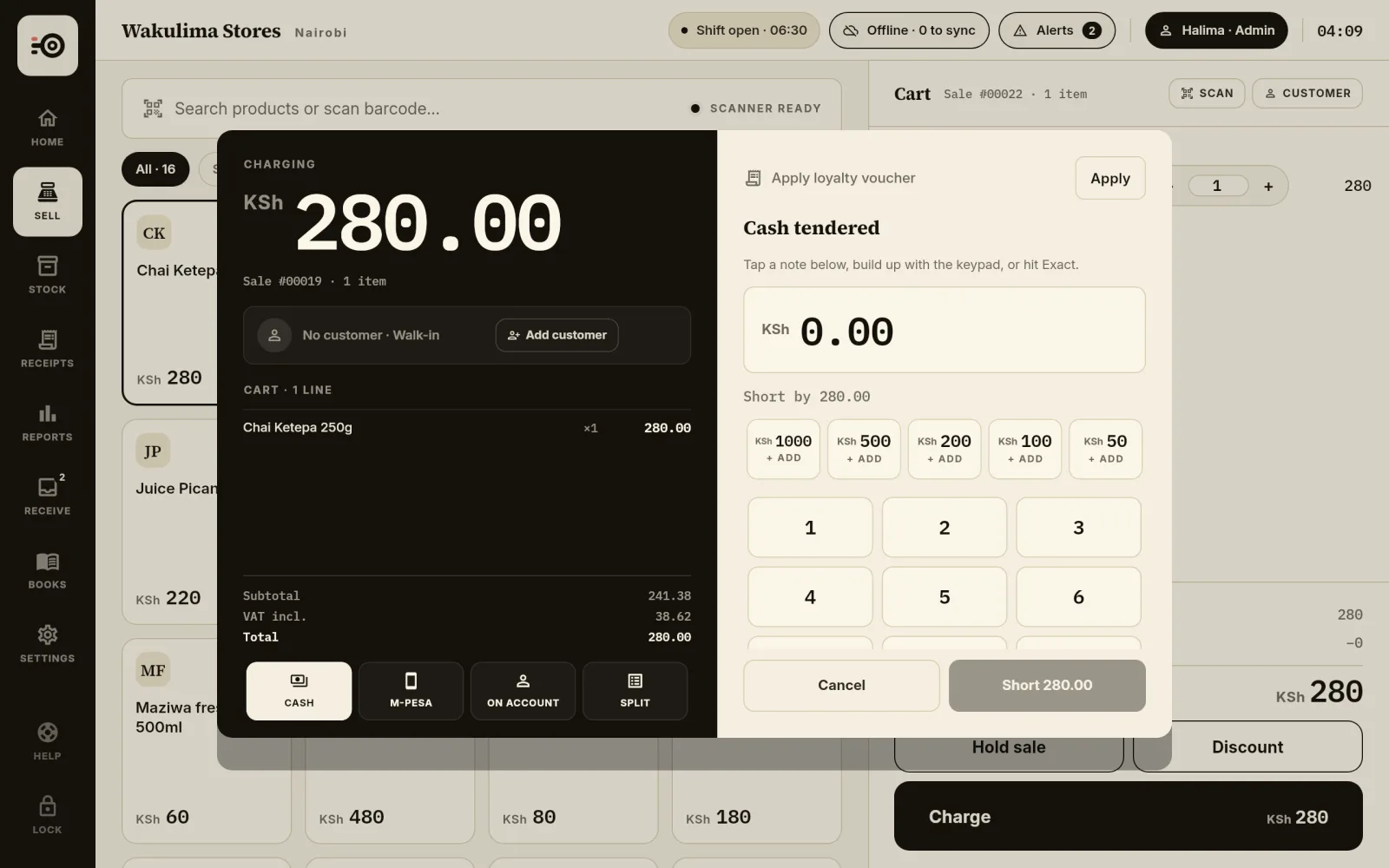
Request payment from the counter
The M-Pesa integration can send an STK payment request to the customer’s phone using the business’s configured Daraja credentials. The customer authorises the payment on their own device.
Requests and callbacks need connectivity. A request that has been sent, a timeout and a confirmed payment are different states; the interface keeps them distinct.
Follow the result
The payment screen shows where a request stands: waiting on the customer’s phone, confirmed, failed, timed out, or cancelled by the customer. A request with no answer times out after a minute.
Payment attempts and their references remain linked to the sale. Pending and failed outcomes need follow-up rather than being treated as settled funds.
Until it is confirmed, the sale is not complete
While a request is pending the sale stays a draft. No receipt number is issued, nothing is queued for eTIMS, and the stock is held rather than deducted.
Confirmation completes the sale: the receipt number is assigned, the stock moves and any tax submission is queued. The hold on stock lasts 30 minutes.
When the confirmation arrives late
A confirmation can arrive after the payment screen has been closed. While that sale’s shift is still open, the payment is matched to its sale and the sale completes.
Once the shift has closed, the payment is not applied on its own. It is raised as an alert for someone to resolve.
Paybill and till payments, and manual references
For configured C2B businesses, an incoming payment is offered at the payment screen, matched by amount. The cashier confirms the named payer, or re-matches from the unmatched list. Shortcode registration and provider activation are required.
If the customer has paid and no confirmation has reached the till, the cashier can enter the M-Pesa reference by hand. The receipt marks that payment as manually confirmed.
One sale can also be split: part in cash and part by M-Pesa.
Set up for your business
This integration is for businesses in Kenya. You need appropriate Safaricom production access, a business shortcode and verified configuration before accepting live payments.
We do not claim the same payment connection is available across other M-Pesa markets or with unrelated mobile-money providers. Provider fees and requirements are separate from the software.
Good to know.
Can I use it in every country with M-Pesa?
No. This page describes the Kenya integration. M-Pesa services, APIs and commercial requirements differ across markets; other country integrations are not promised here.
Can I accept live payments immediately after signup?
Live use depends on your business credentials, shortcode, provider activation and verified configuration. Creating a Zanira account alone does not activate M-Pesa.
Does a pending request mean the customer has paid?
No. Keep the payment pending until the provider result has been received and checked. Connectivity issues and timeouts can delay confirmation.
The customer paid but the till shows a timeout. What now?
Enter the M-Pesa reference by hand, or match the incoming payment if your business uses C2B. The receipt records that the payment was confirmed manually.
Can one sale be part cash and part M-Pesa?
Yes. A split sale takes part of the total in cash and the rest by M-Pesa.